July 20, 2026Admin
The Ultimate Guide to PayStation BD Checkout Integration
E-CommercePayments
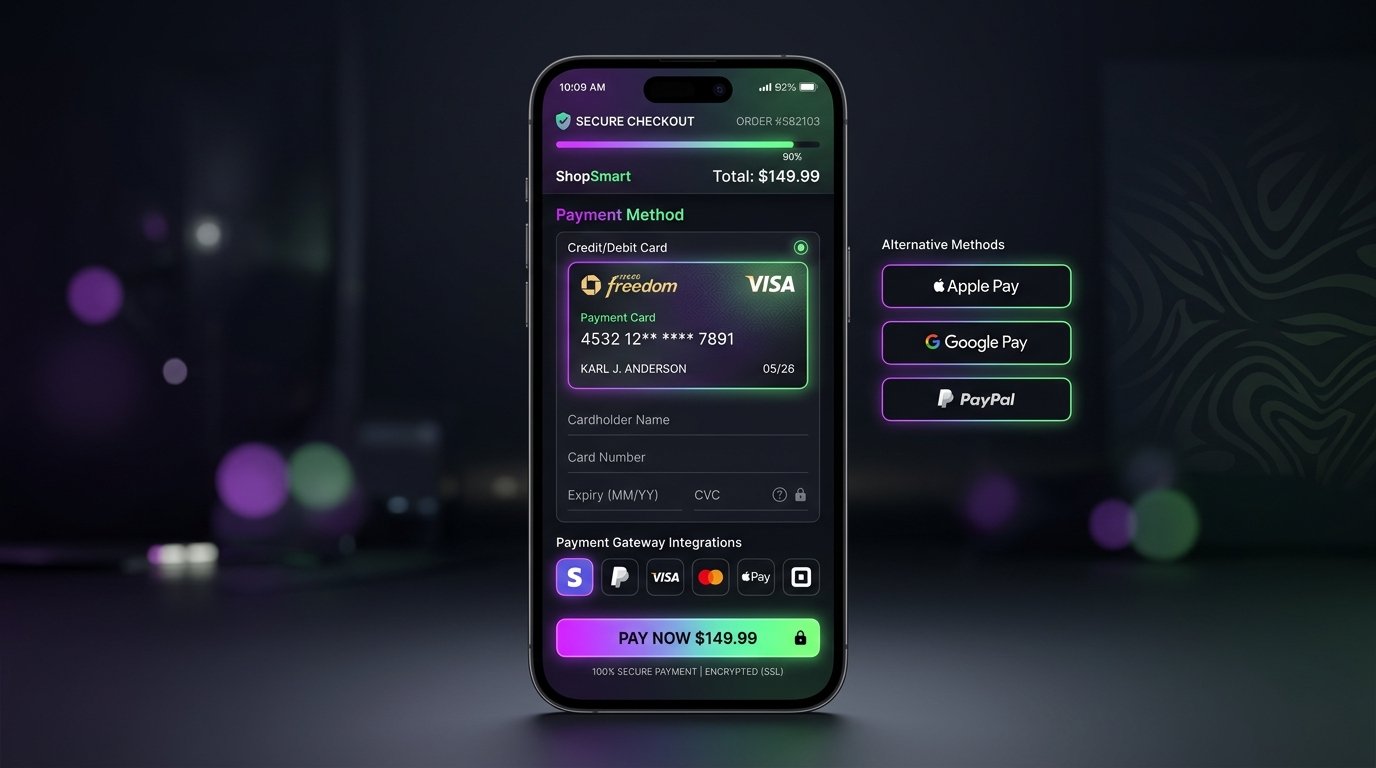
Processing online payments in Bangladesh is complex due to localized payment methods like bKash, Nagad, Rocket, and cards (Visa/Mastercard). PayStation BD simplifies this by aggregating all local payment methods into a single unified gateway API. In this guide, we walk through integrating PayStation BD into a Next.js App Router application.
1. The Integration Flow
A standard checkout flow consists of three steps:
- Initiate Payment: The student clicks checkout, you send an API call to PayStation with the order details and get a payment redirect URL.
- Redirect User: You redirect the student's browser to the PayStation gateway to authorize the transaction.
- Verify and Callback: After payment, PayStation sends the user back to your return callback route. Your server verifies the signature and completes enrollment.
2. Code Snippet: Initiating Checkout
Here is how you call the PayStation API from a Next.js Server Action:
const response = await fetch('https://api.paystation.com.bd/v1/payment/initiate', {
  method: 'POST',
  headers: {
    'Content-Type': 'application/json',
    'Merchant-Id': process.env.PAYSTATION_MERCHANT_ID,
    'Api-Key': process.env.PAYSTATION_API_KEY,
  },
  body: JSON.stringify({
    amount: 1200,
    invoice: 'INV-10023',
    callback_url: 'https://lms.dev/checkout/callback',
  }),
});
const result = await response.json();
if (result.status === 'success') {
  redirect(result.payment_url);
}
Using this unified flow, you can easily secure payments and deliver student credentials or course enrollment access instantly upon checkout success.